







PBandDev Unchains Quick Keyboard Control With Comfyui-Command-Palette
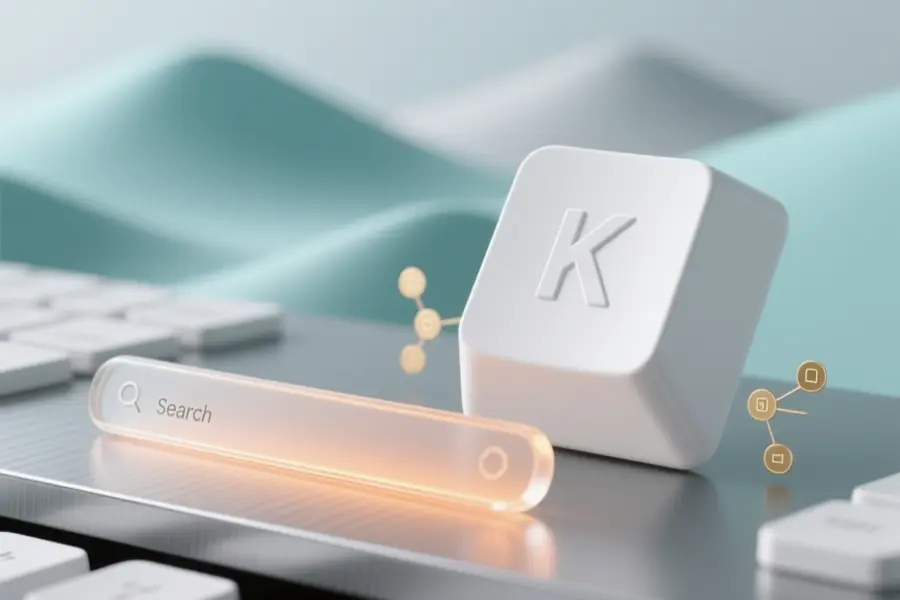
Comfyui-Command-Palette, a new interface extension for ComfyUI places a fast-access command palette directly inside the workspace, allowing users to run actions and navigate graphs without relying on standard menus. This lightweight frontend pack brings familiar keyboard workflows to a popular image generation platform by centralizing common tasks behind a single shortcut.
Created by PBandDev who also developed Comfyui-Node-Organizer, the tool addresses a common friction point for builders who spend long sessions switching between panels and hunting down installed nodes. Teams and solo operators that prefer streamlined interfaces can reduce setup time while keeping their screens focused on the main canvas.
Keyboard navigation and workflow management
- Activates instantly using the standard Ctrl or Command plus K shortcut combination.
- Search and jump directly to specific nodes inside an active graph using a dedicated tag.
- Load saved workflows and project templates without browsing external folders.
- Execute registered frontend commands and integrate seamlessly with third-party interface extensions.
- Adjustable zoom settings for node transitions and options to filter out background API components from search results.
Operators managing complex automation chains can maintain their workflow by bypassing repetitive mouse clicks and nested dropdowns. The ability to instantly recall recent projects and jump between distant graph sections keeps heavy layouts organized and reduces screen clutter during extended build sessions.
Creator notes on interface design and installation
The project focuses on reducing manual overhead by grouping frequently used actions into a searchable text bar that responds to specific character prefixes. Setup requires no terminal commands for most builders, as the package appears directly within the standard interface manager for automatic dependency handling.
"ComfyUI desperately needed a command palette so I created one,"
said the developer in a post. Future updates will likely expand prefix recognition and refine search accuracy as more custom tools adopt the extension framework.
You can download the full plugin package from GitHub to install the latest release and access installation guides.


