


TradingAgents-GUI Drops A Local Dashboard For Private Stock Intel
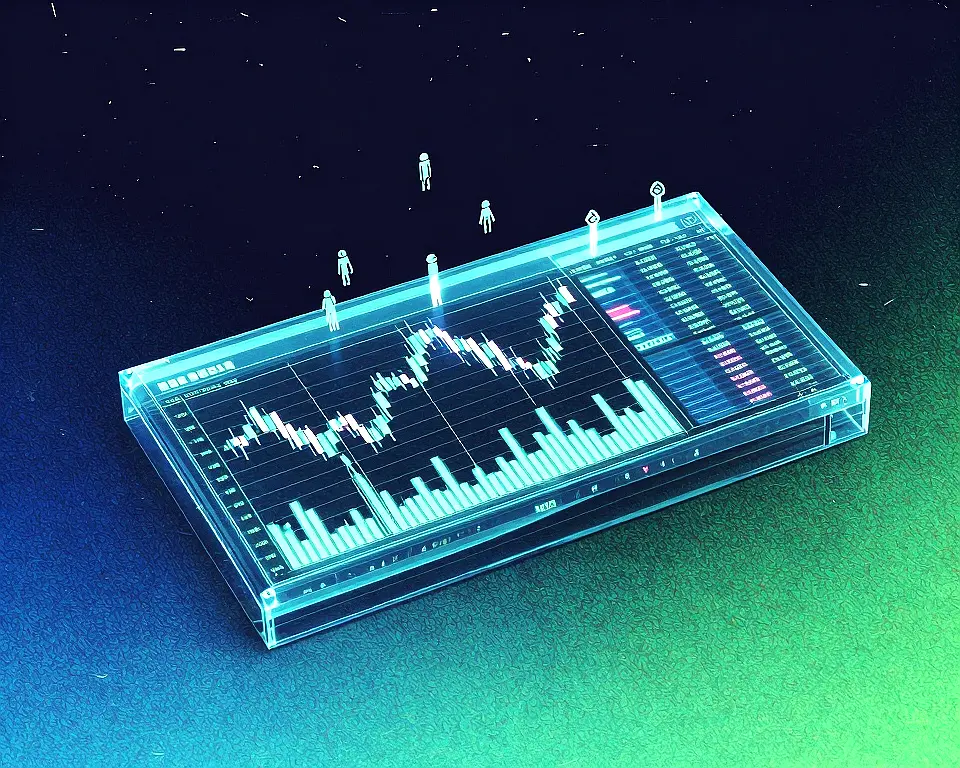
TradingAgents-GUI gives anyone the ability to run a full multi-agent stock analysis locally through a polished web dashboard. It replaces the command line with a browser interface that walks you through setup, visualizes agent activity, and delivers structured reports with market sentiment, research debates, and a final buy/sell/hold decision. All analysis runs privately on your own machine, using your API keys or a local Ollama instance.
Built by TheLocalLab, this new release forks the original TradingAgents v0.2.5 without changing its agent logic, adding only a separate GUI package. The goal was to make the multi-agent research tool accessible to anyone who wants financial insights without exposing data to the cloud. The GUI stays compatible with upstream so you can pull in future framework improvements.
From CLI to polished GUI
Key Features
- Live pipeline visualization with progress bars.
- Three report length modes to control token spend.
- Tabbed output for feed, reports, and tool calls.
- Color-coded final verdict card with copy button.
- First-run wizard for painless API key setup.
Privacy-conscious users can get AI stock reports directly on their laptop without cloud exposure. Small agencies can run it on local hardware with their own LLM keys, keeping proprietary data safe. A concise report mode helps save tokens when using paid providers.
How the project stays aligned with upstream
As a wrapper, the GUI leaves core agents and prompts untouched, making upstream updates easy to integrate. The backend was refactored into focused modules, and a Stop button that actually works thanks to cooperative cancellation. The developer plans to keep rebasing on new releases and accepting community suggestions.
“The output is genuinely interesting to read.” — Source: Reddit
Project Links