ShrinkComfy Shrinks Your ComfyUI PNGs Without Erasing Workflow Data
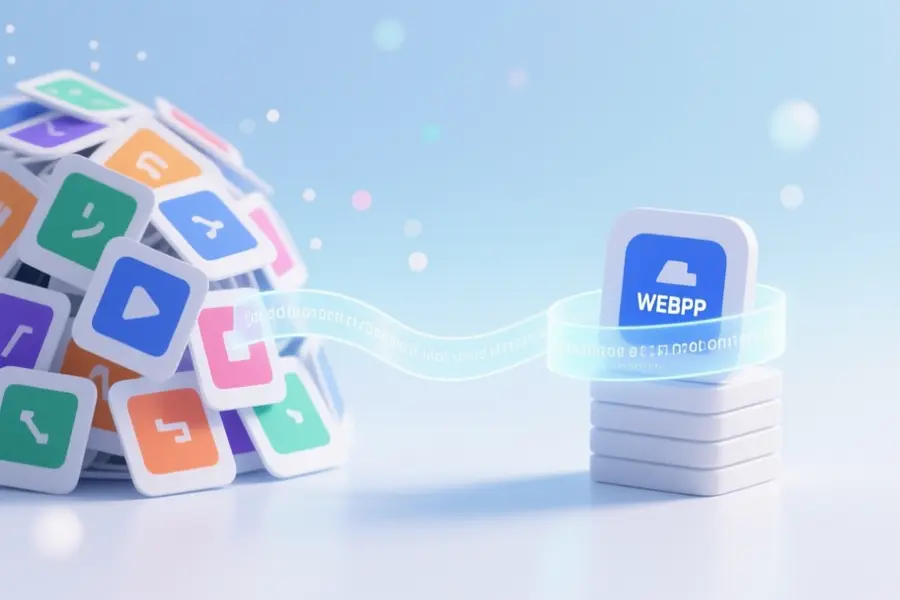
ShrinkComfy is a small Windows application that shrinks ComfyUI PNG outputs into WEBP or JPG files without breaking drag-and-drop workflow recovery. It copies all prompt and workflow metadata from the original image into the converted file, so you can still load the generation settings back into ComfyUI later. The tool does not touch the original PNG files at all.
Independent developer Virgile-fr built the app after their own archive of generation previews started eating too much disk space. Because most image compressors strip the metadata that ComfyUI depends on, this project fills a specific gap for anyone who uses PNGs as both final images and workflow backups. The goal is simple: free up storage while keeping everything reusable.
Smaller files, same drag-and-drop workflow
Key Features
- Converts to WEBP or JPG with retained metadata.
- Works on single images, batches, or whole folders.
- Scans subfolders and shows which files lack workflow data.
- Preview mode compares original and compressed results side-by-side.
- Estimates space savings before running the conversion.
- Optionally organizes output by month or day.
- Can copy non-PNG files when archiving entire folders.
- Dedicated mode strips workflow metadata for clean images.
Anyone who routinely saves ComfyUI generations as PNGs can reclaim gigabytes of space without losing the ability to revisit old projects. Small studios and privacy-conscious professionals who run local AI stacks will find it especially helpful for long-term archiving of thousands of images. The app also helps by flagging which PNGs never contained ComfyUI metadata, so no one wastes time trying to recover workflows that were never there.
Developer notes and current limits
The app is Windows-only and still in an early stage, with the creator actively seeking feedback on edge cases. It currently converts only PNG inputs, requires Python 3.9 or newer to be installed on the machine, and the first launch sets up a local virtual environment, which can take a little extra time. A specific caution: using WEBP lossless mode will prevent ComfyUI from reading the workflow on drag-and-drop, so that setting is not recommended for workflow backup.
“ShrinkComfy converts those PNGs to WEBP or JPG while keeping the embedded prompt/workflow metadata, so you can still drag the converted image back into ComfyUI later.” — Source: Reddit
Project Links