Orion4D_FXMax Transforms ComfyUI Into a Real-Time Color Grading Lab
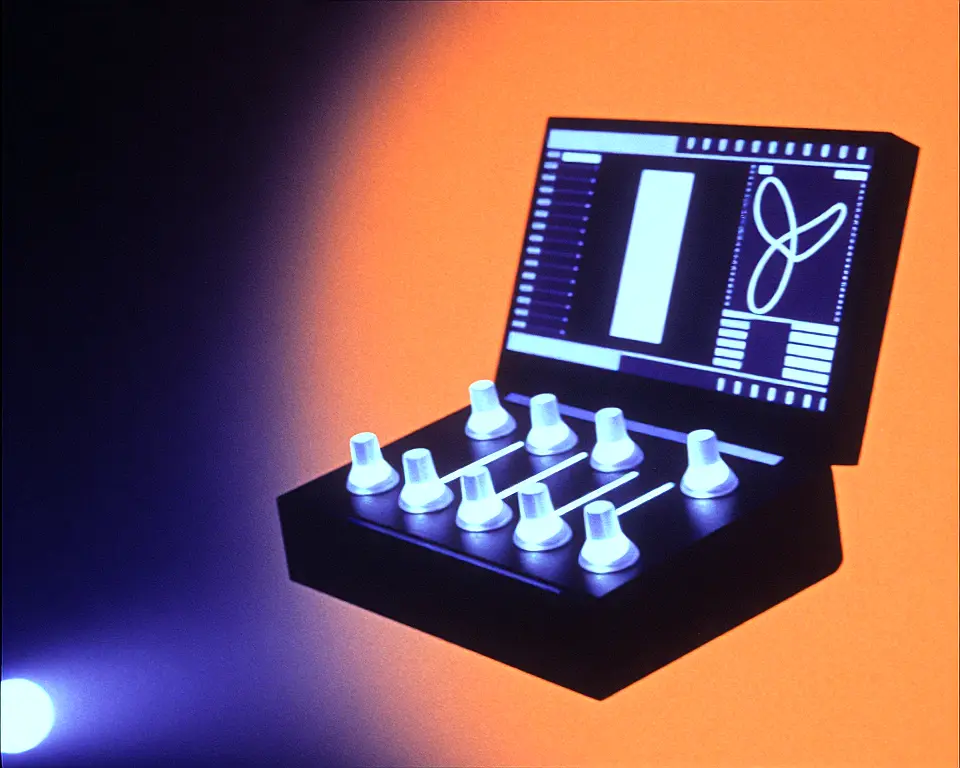
Orion4D_FXMax is a new post-production suite for ComfyUI that packs color grading, sharpening, and film-like effects into a single set of nodes. It comes with a custom built-in web application that gives you a visual editor right inside your workflow. Instead of typing numbers and re-rendering, you drag sliders and see changes appear instantly on a split-screen preview.
Developed by Orion4d who also brought us Orion4D_generative_paint, the project aims to bring a Lightroom or DaVinci Resolve kind of experience directly into the ComfyUI environment. The tool was built to remove the back-and-forth guesswork of queuing prompts just to check a tiny adjustment. By offering real-time, client-side previews, it lets users dial in color and sharpness by eye instead of by trial and error.
Visual feedback built into nodes
Key Features
- Click-to-open web app with pan, zoom, before/after.
- Real-time split-screen comparison without queuing.
- Edge-aware sharpness masks with midtone protection.
- DCTL-inspired tone mapper with skin tone safeguards.
- Procedural film grain, halation, and lens distortion.
- JSON presets embedded directly in workflow metadata.
- GPU-accelerated sharpness nodes for video and batch.
- Catmull-Rom curves for smooth, cinema-grade adjustments.
This suite is practical for ComfyUI users who want polished, professional-looking output without leaving the node graph. Photographers, AI video creators, and serious hobbyists can use the interactive previews to fine-tune images visually, avoiding repetitive renders. Because every tweaked setting is baked into the workflow file as an embedded preset, collaboration is straightforward and results stay consistent when you share a PNG or JSON workflow.
Performance trade-offs and presets
The collection uses two different processing paths. All sharpness nodes operate natively in PyTorch and stay inside GPU memory, so they run near-instantly and are well-suited for heavy video batches. Color manipulation nodes like HSL, Vibrance, and tone mapping move data to the CPU for NumPy calculations, which adds a small delay.
The heaviest nodes, such as Film Grain and CSS Filters, generate procedural patterns pixel by pixel on the CPU and can significantly slow down high-resolution workflows, so the developer suggests limiting them when processing video or large sequences. The local JSON preset system injects your exact configuration into a hidden widget, meaning anyone loading your workflow sees your edits immediately with no extra files needed.
"Stop guessing values and queuing prompts: adjust your settings visually with real-time split-screen previews." — Source: GitHub
Project Links