
Comfyui-Preset-Gallery Tames Prompt Chaos With Draggable Preset Cards
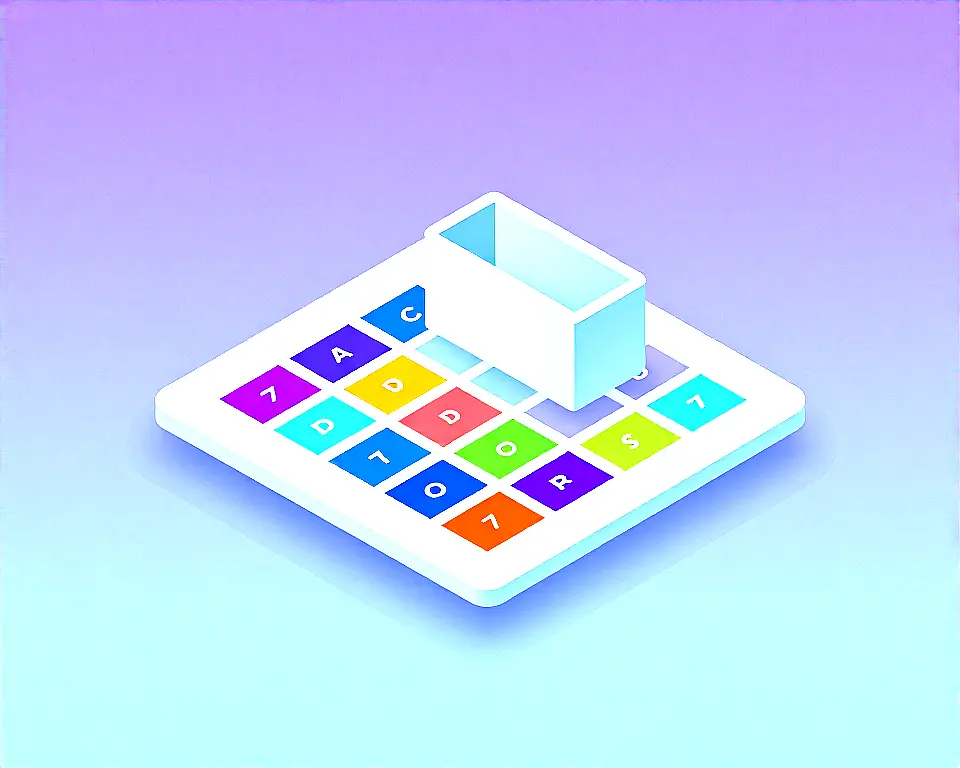
The Comfyui-preset-gallery is a new visual extension for ComfyUI that saves, organizes, and reuses your go‑to prompt snippets and style templates. It adds a dedicated Preset Gallery node, letting you combine multiple presets into one prompt string and send it straight to a text encoder. You can drag items into a basket, switch to raw comma‑separated editing, or add one‑off custom keywords without cluttering your permanent library.
Developer j0n4t built this to solve the everyday problem of hunting down and re‑typing the same prompts over and over. Instead of copying text from sticky notes or old files, users get an interactive grid that holds full style libraries, complete with thumbnails and subfolders. The extension makes it simple to keep styles for characters, lighting setups, or artistic filters instantly accessible inside any ComfyUI workflow.
A visual gallery for prompt presets
Key Features
- Drag-and-drop basket to arrange presets.
- Raw mode with fuzzy auto-complete search.
- Live thumbnail and list grid views.
- Instant filter by keyword, path, or tag.
- Automatic color-coded card thumbnails.
- Management panel to save, edit, overwrite.
- Image asset attach, replace, or remove.
- Import and export entire library as zip.
This add‑on fits people who spin up a lot of images with recurring styles—character designers, small studios producing batch content, or anyone juggling multiple art directions. Because the entire catalog is a set of flat text files and local images, you never rely on a cloud service or external database. Teams can also share a unified preset library across machines using the portable zip export, keeping everyone’s output visually consistent without manual copying.
Under the hood
The backend uses a Python script to handle storage and server endpoints, while the grid interface is driven by custom JavaScript inside the ComfyUI web frontend. All presets are stored as plain text files paired with optional .jpg, .png, or .webp cover images, so nothing leaves your local custom nodes folder. Thumbnails are optional—items without artwork automatically get color‑coded cards with title initials, so you can start building a library right away.
"A sleek, visual extension for ComfyUI to save, organize, filter, and reuse your favorite prompt snippets and style templates using an interactive embedded grid." — Source: GitHub
Project Links