








ComfyUI-External-Lora-Loader Unchains Style Files From Folders
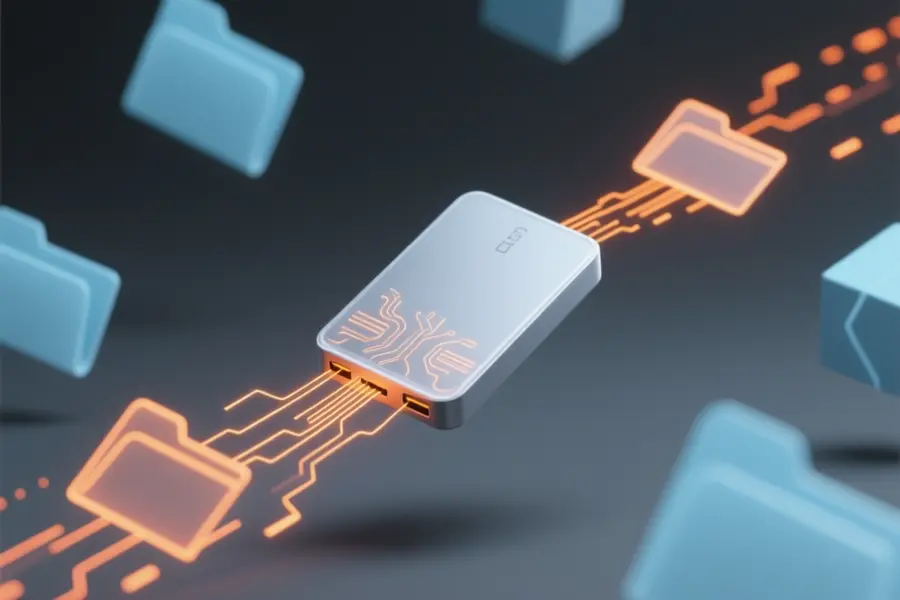
ComfyUI-External-Lora-Loader removes the restriction that forces users to keep style files in a single installation folder. This custom node reads saved style models directly from external hard drives, network storage, or secondary internal disks.
The tool addresses the need to copy files or edit configuration scripts when switching between different storage locations. Independent creators and small production teams can now manage large libraries across multiple drives without restarting their image generation server.
Browsing files across all mounted storage
- Automatic detection of every connected drive during program startup.
- Expandable file tree that allows folder navigation without typing long paths.
- Built-in metadata viewer that displays training tags and settings before loading the model.
- System memory caching that skips redundant disk reading for faster processing.
- Separate sliders for adjusting image and text prompt influence independently.
Users who manage large local style libraries will appreciate the ability to preview training details instantly. The memory cache automatically removes older files when the set limit is reached, which keeps system performance steady during extended generation sessions.
Development notes and practical setup
Manual configuration files and symbolic links become unnecessary when the software handles path routing internally. The creator addressed cross-platform differences by standardizing how operating systems format external drive addresses. Drive detection runs once at launch, meaning any hardware connected later requires a quick restart to appear in the interface.
"ComfyUI custom node lets you load LoRA files from **any path on any mounted drive**"
noted the developer in a post. Installation requires Python 3.8 or newer, alongside a lightweight utility that typically installs through the standard extension manager.
You can download the custom node by visiting the official GitHub page.


