







ComfyUI-Clippy-Reloaded Pastes Clipboard Images Without Saving Files
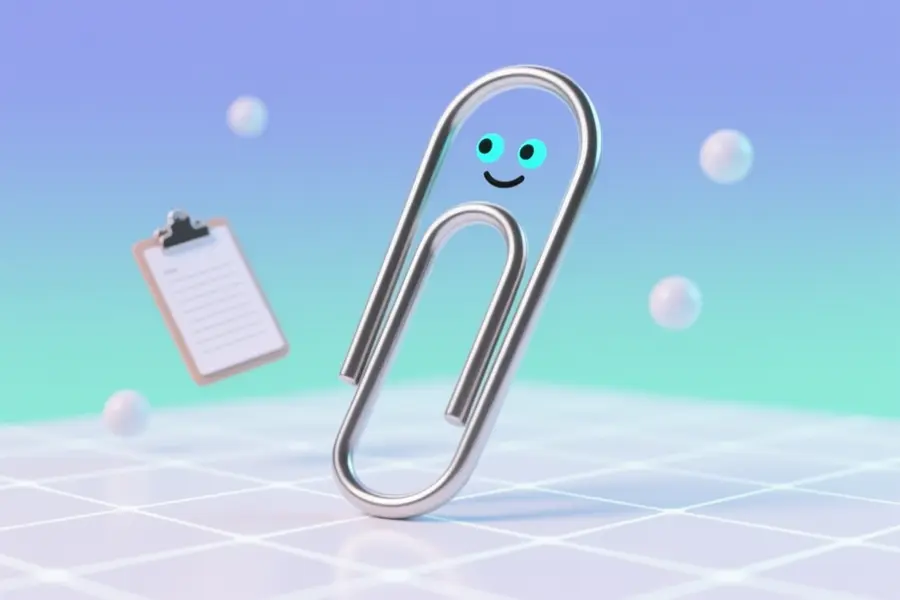
The Comfyui-Clippy-Reloaded add-on by Shootthesound lets you paste images directly from your computer’s clipboard into a ComfyUI workflow. It grabs whatever image you’ve copied — a screenshot, a browser image, or one from an editor — and turns it into a usable output without ever saving a file. A single node does all the work when you hit queue, skipping the steps of saving, finding, and dragging files.
Shootthesound who also delivered Comfyui-Wan-I2v-Control and Torch-Nvenc-Compress extracted this tool from a larger node pack where it was hard to find. The developer made it a standalone node, so users can quickly load clipboard content without cluttering their workflow. It solves the repetitive annoyance of saving temporary images just to get them into ComfyUI.
Load images straight from your clipboard
Key Features
- Loads any copied image with one queue prompt.
- Takes screenshots, browser pics, editor copies.
- Provides a standard ComfyUI IMAGE output.
- Eliminates saving and dragging files manually.
- Delivers over 80 funny Clippy messages.
- Install by dropping folder, no config.
- Zero settings — just copy and queue.
- Cross-platform support for Windows, macOS, Linux.
Anyone who regularly builds workflows from screenshots or web clippings will find this node a time-saver. Privacy-conscious professionals can avoid leaving temporary image files on disk. Hobbyists and small studios can keep their creative flow uninterrupted by file management.
From hidden node to standalone release
The tool was once hidden in a big pack and rarely found. shootthesound tested it on Windows but expects it to work on macOS and Linux via ImageGrab. No roadmap exists, but coffee donations are welcome.
“Clippy didn't choose the clipboard life. The clipboard life chose Clippy.” — Source: GitHub
Project Links


