









ComfyUI-Artius-Browser Delivers Snappy Sidebar Browsing for Creators
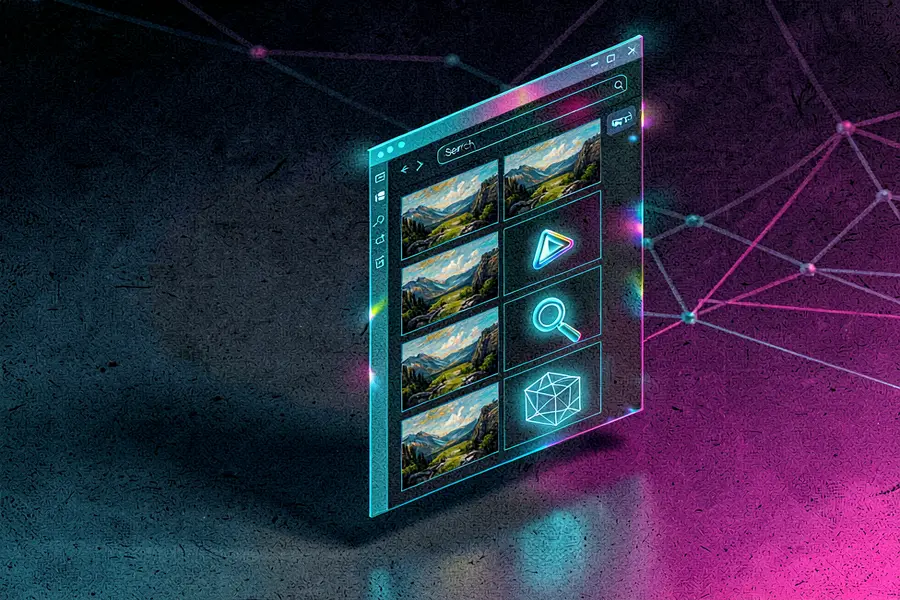
The comfyui-artius-browser extension adds a fast, sidebar-based asset manager directly to ComfyUI. It lets users preview, search, and drag images, videos, audio, 3D models, and workflow files straight into native ComfyUI nodes. The tool stays snappy even when libraries grow to thousands of files.
Developer AlexYez built Artius Browser to fill the need for a clean, lightweight way to handle growing output folders without heavy dependencies. It uses cached thumbnails, compact metadata, and a virtualized grid to avoid slowdowns. The browser routes drag-and-drop through ComfyUI’s own loaders, so no custom node types are required.
Fast browsing for large asset libraries
Key Features
- Cached thumbnails and compact metadata for speed.
- Filename search avoids slow full-text scans.
- Drag-and-drop directly to native node types.
- Safe delete moves files to system trash.
- Lightbox with wipe and 2×2 grid comparison.
- Synchronized video compare for 2 or 4 clips.
- Workflow tab uses ComfyUI’s native folder.
- Autoscan and on-demand cache rebuild tools.
People who generate and manage many files inside ComfyUI will appreciate the all-in-one sidebar. It removes the need to constantly switch between the file system and the interface, saving time when testing variations or comparing outputs. The workflow tab also gives direct access to load, preview, or delete saved workflows.
Developer focus on simplicity and safety
AlexYez kept dependencies to a minimum and built everything around filename-based search and keyset pagination so deep folder browsing stays fast. The extension requires ffmpeg and ffprobe on your system path for full video and audio metadata, but will still show files without them. Deletions use the system trash, and unsupported query parameters return a clear 400 error instead of silently failing.
“I wanted a clean, fast, native-feeling browser for people who generate and manage a lot of files in ComfyUI.” — Source: Reddit
Project Links


