


nauno40 Drops OmniPromptStyle CheatSheet for AI Model Comparison
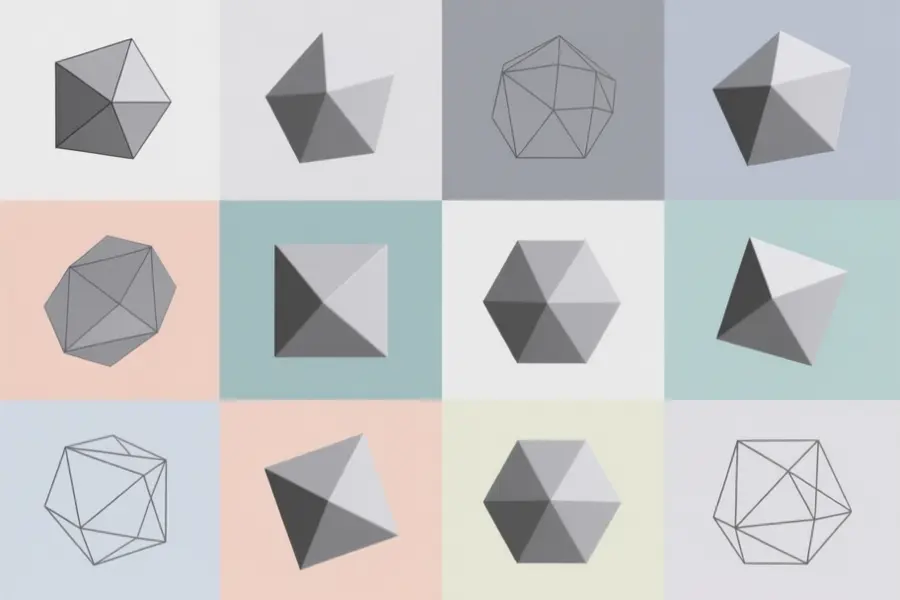
OmniPromptStyle CheatSheet is a visual, searchable database that helps users compare how different AI image models respond to the same artistic prompts. The tool supports Stable Diffusion 1.5, SDXL, and Flux models, allowing artists to predict outputs before generating images.
Developer nauno40 built upon SupaGruen's original Stable Diffusion Cheat Sheet project to create this expanded resource. It addresses the common problem of guesswork when trying to achieve specific artistic styles across multiple generative models.
What the database offers
- Side-by-side comparisons showing how SD 1.5, SDXL, and Flux interpret identical prompts.
- Searchable style categories including photography, painting, drawing, and digital art.
- Reference guides for optimal image dimensions across different model architectures.
- Art history section covering movements from Renaissance through Postmodernism.
- Metadata viewing and comparison tools for analyzing generated images.
Artists and creators working with multiple AI models can use this database to quickly identify which prompts produce desired effects without spending hours on trial-and-error testing. The visual comparison format is particularly helpful for those who want consistent results when switching between different model architectures or exploring new artistic styles.
Hardware limitations and community input
The developer created this updated version with community contributions in mind, restructuring the codebase to make participation easier. However, hardware constraints have limited extensive testing on larger models. Using a laptop GPU for development means heavier models present challenges for comprehensive style coverage.
'I'm rocking a 3060 Laptop GPU so testing heavy models is a nightmare on my end,'
the developer explained. Users with more powerful hardware are encouraged to submit new styles, provide feedback, or open pull requests to expand the database.
Access OmniPromptStyle CheatSheet on the project page.