







BangtrixToolkit Gives ComfyUI a Live Hardware Monitor and Prompt Translator
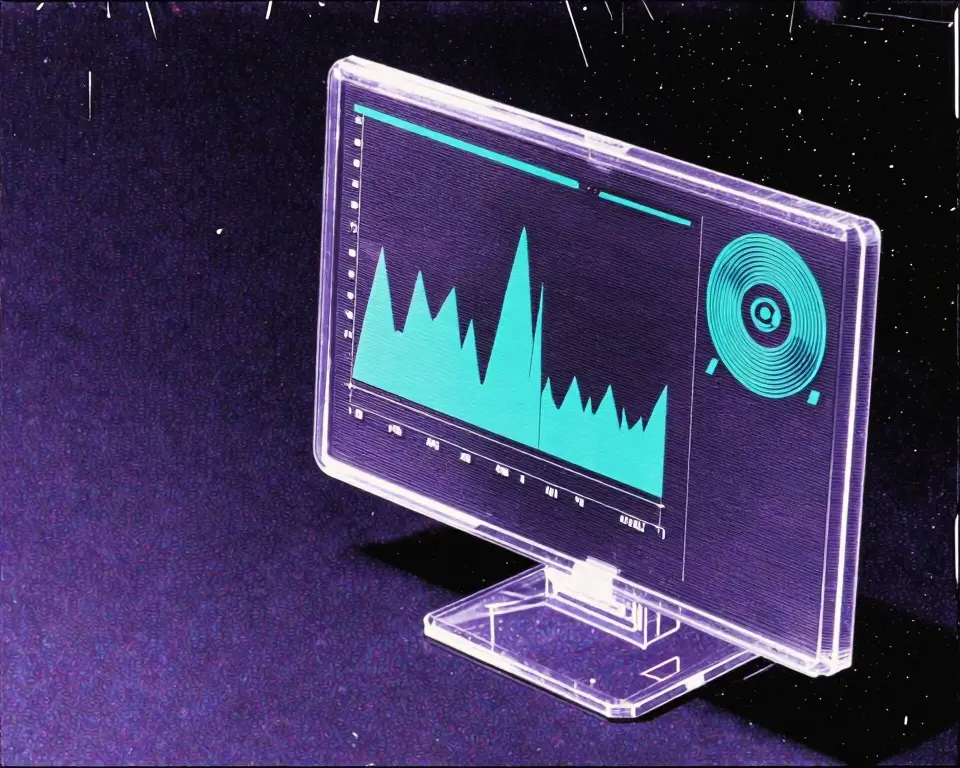
BangtrixToolkit is a custom node collection for ComfyUI that puts a real-time hardware monitor overlay directly onto the canvas and adds a universal prompt translator. The overlay shows GPU load, VRAM usage, temperature, and fan speed with animated progress bars, and it can be dragged, minimized, or toggled with a keyboard shortcut. A one-click memory flush button lets users free up VRAM and system RAM instantly, helping prevent out-of-memory errors during demanding image generation tasks.
Created by developer Anonymzx, this toolkit was built to solve two common friction points for local AI artists: keeping an eye on GPU health without switching windows, and quickly translating non-English prompts into CLIP-ready English. Anonymzx originally developed and tested it on an AMD RX 7800 XT, then added native backends for NVIDIA and Intel GPUs so no third-party monitoring apps are required. The result is a lightweight, privacy-friendly in-canvas utility that works across multiple GPU vendors.
Real-time hardware monitoring and prompt translation
Key Features
- Draggable, minimizable overlay with animated progress bars.
- One-click VRAM and system RAM flush button.
- Smart ROCm smoothing for accurate GPU load tracking.
- Universal prompt translator for 16+ languages.
- Dark and light themes plus custom color options.
- Ghost mode makes the overlay background invisible.
- Native multi-GPU support: AMD, NVIDIA, Intel.
ComfyUI users with local AMD, NVIDIA, or Intel GPUs can use this toolkit to monitor hardware resources in real time without leaving the canvas. The memory flush feature is particularly handy for those pushing VRAM limits with SDXL or Flux models, as it clears idle models and caches before a heavy upscale. Creators who write prompts in languages like Japanese, Arabic, or Hindi will appreciate the translator node that outputs English conditioning directly.
Developer notes and community testing
The developer built and validated the toolkit on an AMD RX 7800 XT, and while NVIDIA and Intel backends use official APIs, they still need community testing to confirm full functionality. A known limitation affects RDNA3 GPUs (RX 7000 series): Windows driver restrictions currently prevent reading temperature and fan sensors, so those fields show “N/A” until AMD releases a patch. Unlike many monitoring utilities, BangtrixToolkit doesn’t depend on any bloated third-party software—it relies entirely on native OS tools and existing driver stacks.
“I developed and explicitly tested this on my own AMD RX 7800 XT. I wrote the backend integrations for NVIDIA (NVML) and Intel (sysfs/PDH) natively so you don't need third-party apps, but I don't have the hardware to test them myself!” — Source: Reddit
Project Links


