
SlopLobster Enables Fully Offline AI Coding From One File
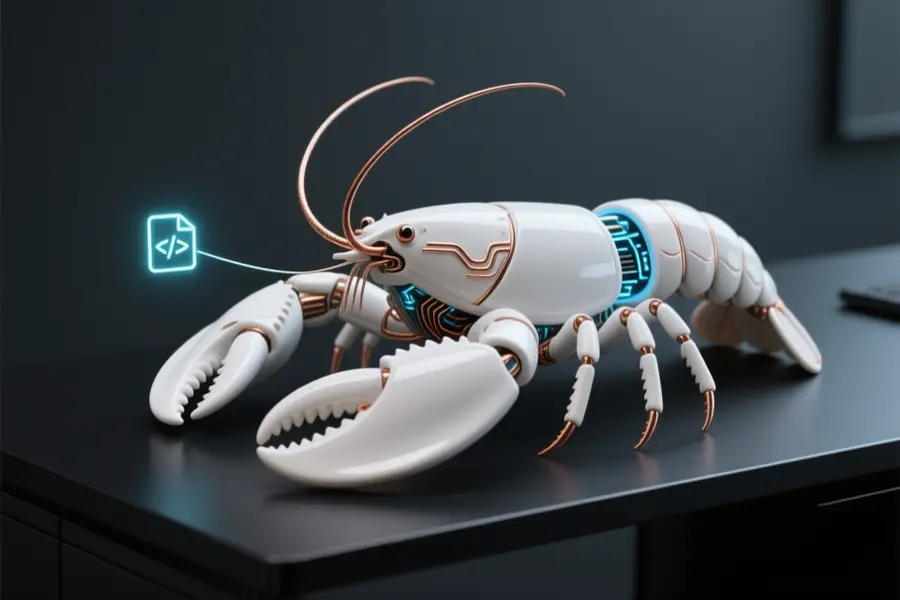
SlopLobster is a self-contained local AI coding agent that operates directly on your hardware without relying on external cloud services. The program reads, modifies, and tracks project files while executing terminal commands and browsing the internet through one standalone HTML file.
PasiKoodaa developed this utility to eliminate the steep configuration barriers often associated with modern automated assistants. The result is a streamlined approach to running autonomous coding tasks without transmitting data to distant servers.
Local task execution and automated workflows
- Operates completely offline through one HTML file with zero backend requirements.
- Condenses oversized documents into readable structural outlines to save token space.
- Runs terminal instructions while streaming live output directly to the chat window.
- Highlights code modifications with exact comparisons and an optional review toggle.
- Breaks complicated prompts into numbered planning stages for manual verification.
- Supports vision-capable models for analyzing screenshots and embedded images.
Developers handling confidential codebases can maintain completely isolated environments while still utilizing automated testing cycles and remote reference searches. Simply linking your working directory to the interface allows you to offload routine syntax fixes while focusing on high-level architecture decisions.
Focusing on straightforward local deployment
The author designed the system to bypass heavy configuration steps found in competing frameworks, relying instead on a minimal Python script and standard desktop inference software. Network isolation remains intact since all processing happens locally.
Explaining the primary design goal, the creator mentioned that
"Most agent systems are too hard to set up,"
in a forum post. Operators must use Chrome or Edge for complete file management support, and shorter context models might stall during extended automated sequences.
You can access the complete project files and installation instructions at the official GitHub repository.